




A practical golf cart fleet service log connects each vehicle, reported issue, completed task and return-to-service decision. Begin with stable vehicle identifiers and a small set of fields your team will actually maintain. The objective is an intelligible history that helps operators communicate with service providers, not a spreadsheet filled with technical guesses or unexplained check marks.
A useful log answers three questions: what happened, what was done and what remains open? This guide describes a recordkeeping approach for courses, resorts and campuses. It does not prescribe maintenance intervals or authorize repairs. The vehicle-specific manuals, approved service requirements and qualified personnel determine the technical work; the log preserves the evidence of that work.
Make vehicle identity the first field
Assign each cart a stable internal fleet ID and connect it to the supplier’s model and serial identification. Record the delivery batch and exact configuration where known. Staff can use the internal ID in everyday reporting while service contacts can locate the information needed to identify the actual vehicle. Avoid identifying carts only by a color or parking location that may change.
Start the record with the delivery handover information, including documents received and unresolved items. Link the approved order configuration and relevant manuals. If a component is replaced or a configuration changes, add a dated entry; do not silently overwrite the previous record and lose the ability to understand earlier service events.
Fleetio’s vehicle service history documentation describes keeping asset service records together. The same basic organization can be used in paper files or a spreadsheet. Select a system that staff can access appropriately, with a clear owner and a method for retaining supporting documents.

Separate observations from diagnosis
The driver should describe what was observed, when it occurred and the operating circumstances. “Unusual sound during a turn near the loading point” preserves more information than “bad steering.” A qualified service provider can add a diagnosis later. Keep the original observation alongside that diagnosis so the record does not imply the driver established a mechanical cause.
Create an issue reference that remains stable from first report through closure. Include who received the report and the vehicle’s dispatch status. Follow the applicable site and vehicle procedures for deciding whether a cart must be withheld from use. A log entry is communication evidence; it is not a substitute for a technical assessment or a permission to keep operating.
Fleetio’s maintenance terminology guide distinguishes issues from records of work performed. That distinction is useful even without its software. Keep a reported issue open until the responsible person has documented the result and any required follow-up rather than treating “sent to service” as resolution.
Use a compact set of consistent service fields
Record the date, fleet ID, issue or task reference, work description, responsible provider and supporting document. Include a meter reading only when the vehicle has a relevant meter and the units are understood. State whether the reading is hours, distance or another measurement. A blank field with an explanation is better than a fabricated value inserted to satisfy the form.
Preserve the actual invoice or work report rather than compressing everything into “maintenance completed.” If a part was fitted, retain the confirmed reference and quantity. If nothing was replaced, say so when relevant. The fleet spare-parts planning guide explains why model-specific references matter for later replenishment.
| Record field | Purpose | Avoid |
|---|---|---|
| Fleet ID and configuration | Connect the work to the actual vehicle | Using only color or current parking bay |
| Observation and issue reference | Retain the reason for service | Replacing a driver’s report with an assumed diagnosis |
| Task and supporting document | Show the work reported as completed | An unexplained “done” check mark |
| Meter and units | Give context for the recorded event | Mixing distance and operating hours |
| Parts, provider and costs | Support traceability and review | Invented part references or duplicated invoice totals |
| Status and next action | Keep unresolved work visible | Closing an issue merely because an appointment exists |
Keep planned tasks and actual completion distinct
A future service reminder belongs in a task schedule. A completed service belongs in history. Connect the two using a task reference, but keep their dates separate. If planned work is deferred, record who reviewed it and the approved next step; do not alter the original target date to make the history look as though the work was always on time.
Fleetio’s service entry documentation illustrates recording a vehicle, completion information and related issues. Use such fields as recordkeeping examples rather than importing generic vehicle service tasks into a golf cart schedule. The correct inspection and maintenance requirements come from the delivered configuration’s instructions.
Battery care deserves its own confirmed references. The battery care overview introduces questions to ask, but it does not supply one universal care routine. Link the applicable battery and charger information in the asset record so staff do not copy a procedure from a different chemistry or configuration.

Record downtime without confusing elapsed and working time
Define when the vehicle was removed from its assignment and when its status changed. Keep the time waiting for review, time with the service provider and time awaiting a part identifiable where the information exists. A broad downtime total may be useful for dispatch planning, but it should not be presented as technician labor time.
Record a return-to-service decision separately from invoice receipt. Name the responsible person and retain the provider’s work report or release information required by your process. If follow-up remains, specify its owner and review point. A billing document demonstrates a commercial transaction; it does not necessarily establish that every reported issue has been resolved.
If a substitute was used, connect the temporary assignment to the unavailable vehicle’s issue reference. This helps managers understand interruptions without rewriting route-planning records. For future orders, use the MOVIVEX fleet planning information to describe support and continuity needs grounded in your actual history, rather than an assumed failure rate.
Related video: organizing a maintenance register
This fleet maintenance spreadsheet walkthrough shows a way to organize records. Use the administrative ideas alongside the applicable golf cart instructions; it does not prescribe your maintenance tasks.
Third-party educational video by Fleetio. Watch on YouTube
Retain evidence and protect the history
Store work reports, relevant photographs and supplier correspondence in a controlled folder linked by the issue reference. Photographs should show the reported condition clearly without exposing passenger or private employee information unnecessarily. Keep file names consistent. If a record is corrected, add the correction date and reason rather than deleting the original information without explanation.
Limit editing to people responsible for the relevant fields and preserve a recoverable copy. A small team can use a simple periodic export or approved backup process; the essential point is that the record remains readable when a staff member changes. NIST’s supplier evaluation guidance discusses documentation and maintenance records as useful evaluation inputs. Retaining evidence also improves the questions you can ask service partners.
Keep financial and technical descriptions connected without duplicating amounts. If one invoice covers several carts, document how any allocation was made or retain the total separately. Do not charge the same invoice total to each vehicle and then sum it as fleet spending. Mark missing costs as unavailable and preserve the supporting reference for later reconciliation.
Review recurring patterns carefully
At a regular review, look for unresolved issues, repeated observations, missing supporting documents and inconsistent status updates. Fleetio’s reports overview shows that service, issue and assignment information can be reviewed as separate categories. In a simple log, filter those categories before drawing conclusions from a combined list of events.
Repeated observations are a reason to investigate, not proof of a design fault or a basis for inventing a failure percentage. Check whether the records concern the same issue reported several times, separate vehicles or a change in operating conditions. Share the evidence with the appropriate service contact. Keep the review conclusion and any agreed action linked to the original entries.
When comparing replacement options, distinguish maintenance history from the broader fleet ownership cost framework. This article’s log is one input, not a complete financial model. To discuss a new configuration and its documentation needs, send MOVIVEX a fleet enquiry with the intended use and questions supported by your records.
Frequently asked questions
Can a small fleet use a spreadsheet?
Yes, provided identifiers, dates, units and status fields stay consistent and the history is retained. Supporting documents and clear ownership matter more than adding many unused columns.
Should drivers diagnose the problem in the log?
Drivers should record observations and follow the reporting procedure. Qualified personnel can add diagnosis and technical decisions separately, preserving the original report.
Does a service log determine maintenance intervals?
No. Use the applicable vehicle, battery and charger instructions and approved service advice. The log records scheduled tasks and actual work without inventing a universal interval.
What closes an issue?
Your approved process should identify the responsible person, supporting evidence and any release decision. A booking or invoice alone should not silently erase a still-open technical question.
Explore related MOVIVEX golf carts
Use these existing catalogue vehicles as starting points for a configuration discussion. Confirm the ordered specification and support scope in writing.
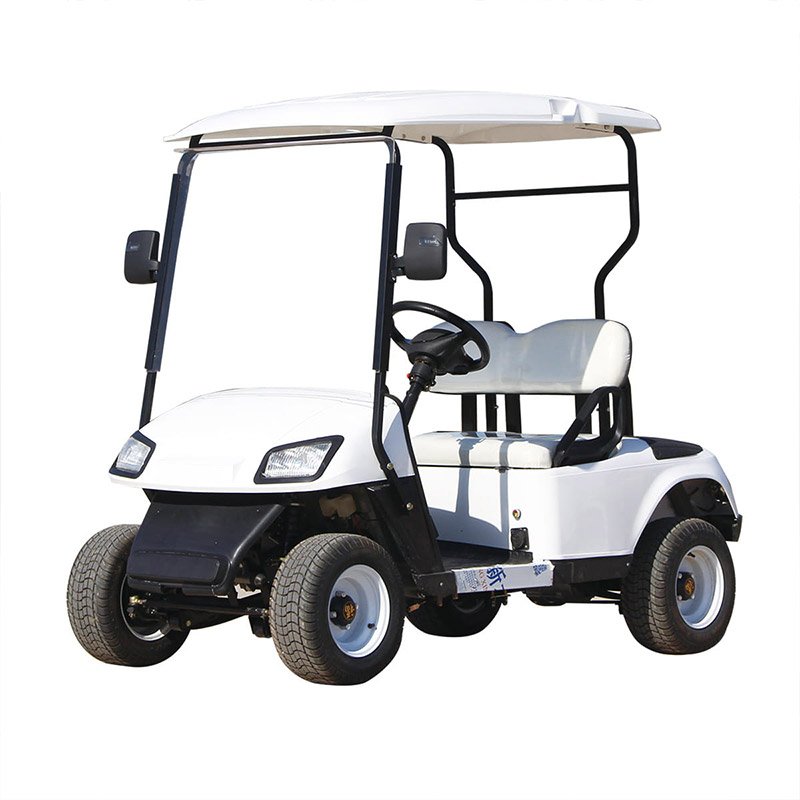
MV-A2 · Catalogue configuration
Carrinho de golfe elétrico MV-A2
Ask for the exact vehicle identification and service documentation supplied with this configuration.
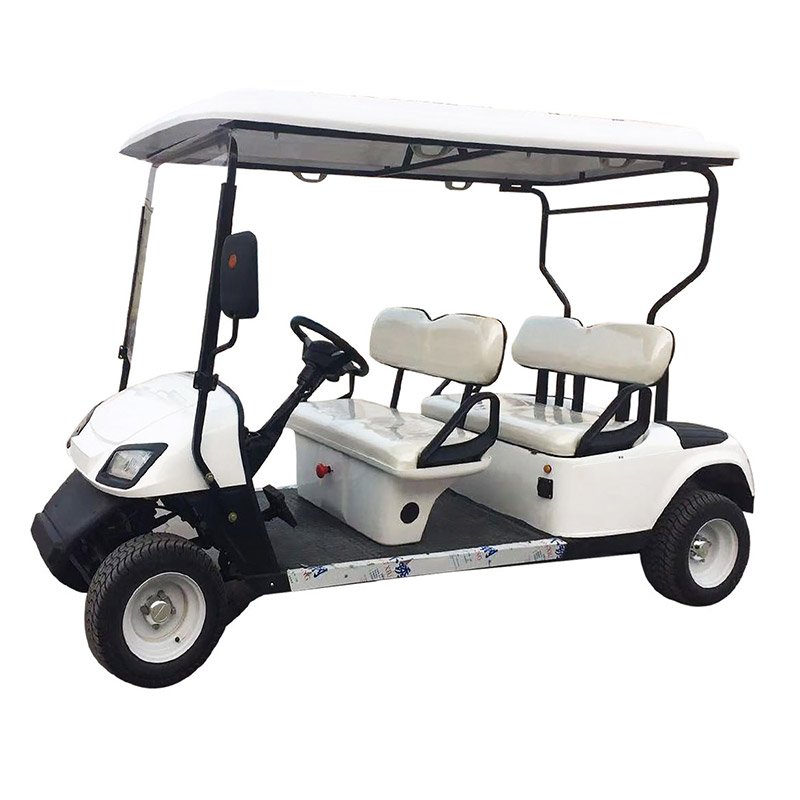
MV-A4 · Catalogue configuration
Carrinho de golfe MV-A4 de 4 lugares
Ask for the exact vehicle identification and service documentation supplied with this configuration.

MV-A6 · Catalogue configuration
Carrinho de golfe MV-A6 de 6 lugares
Ask for the exact vehicle identification and service documentation supplied with this configuration.
Discuss your fleet requirements
Tell us your passenger needs, quantity, operating location and delivery destination.